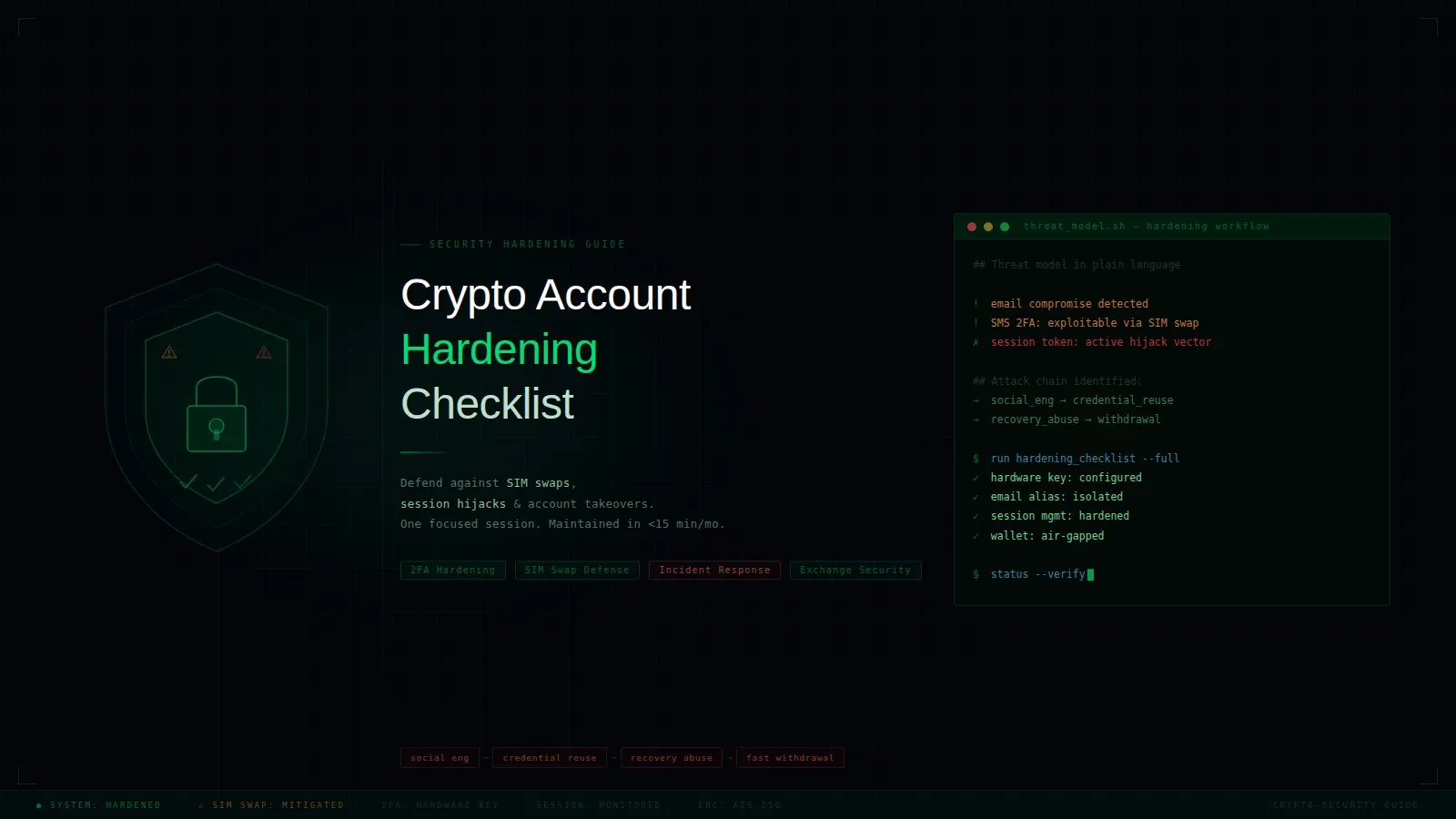
Most crypto losses don’t start onchain. They start with account takeover.
If an attacker controls your email, phone number, or active browser session, they can reset passwords, approve withdrawal prompts, and bypass weak 2FA setups. The chain is usually simple: social engineering -> credential reuse -> recovery abuse -> fast withdrawal.
This guide gives you a practical hardening workflow you can finish in one focused session, then maintain in under 15 minutes per month.
Threat model in plain language
For most users, the top takeover paths are:
- SIM swap: attacker convinces your carrier to move your number.
- Session hijack: malware steals browser cookies or auth tokens.
- Email takeover: inbox access enables password resets everywhere.
- Phishing + MFA fatigue: fake login pages or repeated prompts trick users.
- Recovery path abuse: weak backup codes, weak helpdesk checks, reused devices.
Your goal is not “perfect security.” Your goal is to break attacker chains so one compromise does not become full account loss.
The 30-minute hardening sprint
1) Protect your email first (highest priority)
Email is the master key for most services.
- Use a unique password stored in a password manager.
- Require app-based TOTP or hardware key, not SMS.
- Remove old forwarding rules and unknown recovery addresses.
- Review “logged in devices” and sign out everything you don’t recognize.
- Generate and safely store backup codes offline.
If email remains weak, everything else is theater.
2) Replace SMS-based security on critical accounts
For exchange, custodian, and banking accounts:
- Disable SMS 2FA where possible.
- Prefer hardware security keys for login and withdrawals.
- If hardware keys are unavailable, use authenticator app TOTP.
- Add an anti-phishing code in account emails if platform supports it.
- Enable withdrawal address allowlist with cooling period.
A SIM swap should never be enough to move funds.
3) Lock down your mobile carrier account
Call your carrier or use account settings to add:
- Port-out / SIM-transfer lock.
- Account PIN/passphrase (not birthdate or reused PIN).
- “In-store ID required” note where available.
- Notification alerts for SIM/profile changes.
Then test support flow: ask what exact checks are required before they process number transfer.
4) Harden your device against token theft
Session hijack often comes from infected endpoints.
- Keep OS/browser updated.
- Remove unused browser extensions.
- Use separate browser profiles: daily browsing vs finance/crypto.
- Disable auto-download/open for unknown files.
- Run periodic malware scans.
- Never store seed phrases in notes, screenshots, or cloud drive.
If you use TaoFlow or any crypto platform regularly, keeping a clean dedicated browser profile is one of the highest-value habits.
5) Enforce separation of roles
Do not run all crypto activity through one identity.
- Separate primary email from public-facing email.
- Separate social media login from financial account login.
- Separate hot-wallet activity from long-term storage workflows.
- Use a dedicated “high-risk” wallet for new dApps and mints.
Segmentation limits blast radius.
Ongoing monthly checklist (15 minutes)
Run this once a month:
- [ ] Review account login history for major services.
- [ ] Confirm 2FA method is still app/key, not silently downgraded to SMS.
- [ ] Rotate passwords for any account involved in recent breaches.
- [ ] Verify withdrawal allowlist is unchanged.
- [ ] Check carrier lock and account PIN status.
- [ ] Remove stale sessions from browsers and apps.
- [ ] Reconfirm backup code storage location.
Track completion in a note with date and exceptions.
“Break-glass” incident response card
Prepare this now, before an incident:
- Trigger condition: unexpected SIM loss, suspicious login alert, or missing session.
- Immediate actions (first 15 min):
- Pause trading/withdrawals where possible.
- Lock email account and rotate password.
- Revoke active sessions on exchange and mailbox.
- Contact carrier fraud team and freeze number transfer.
- Containment (first hour):
- Move funds to pre-approved safe addresses if compromise suspected.
- Rotate API keys and revoke third-party app access.
- Notify teammates/family if shared recovery paths exist.
- Recovery (same day):
- Re-enroll 2FA on trusted clean device.
- Replace compromised passwords across linked services.
- Document timeline for future prevention.
Print this card or keep it in an offline note. In real incidents, decision speed matters more than perfect wording.
Common mistakes that keep getting users hacked
- Using one email for everything, including public signups.
- Treating SMS 2FA as “good enough” for high-value accounts.
- Keeping recovery codes in the same cloud account as daily login.
- Approving wallet signatures without decoding intent.
- Assuming “no one targets small accounts.” Attackers automate.
Security is not a one-time setup; it is a maintenance routine.
Final takeaway
Account takeover defense is about removing single points of failure: your phone number, your inbox, one password, one session. Start with email and carrier controls, then enforce device hygiene and role separation. If an attacker compromises one layer, your system should still hold.
That is what practical crypto security looks like in 2026.