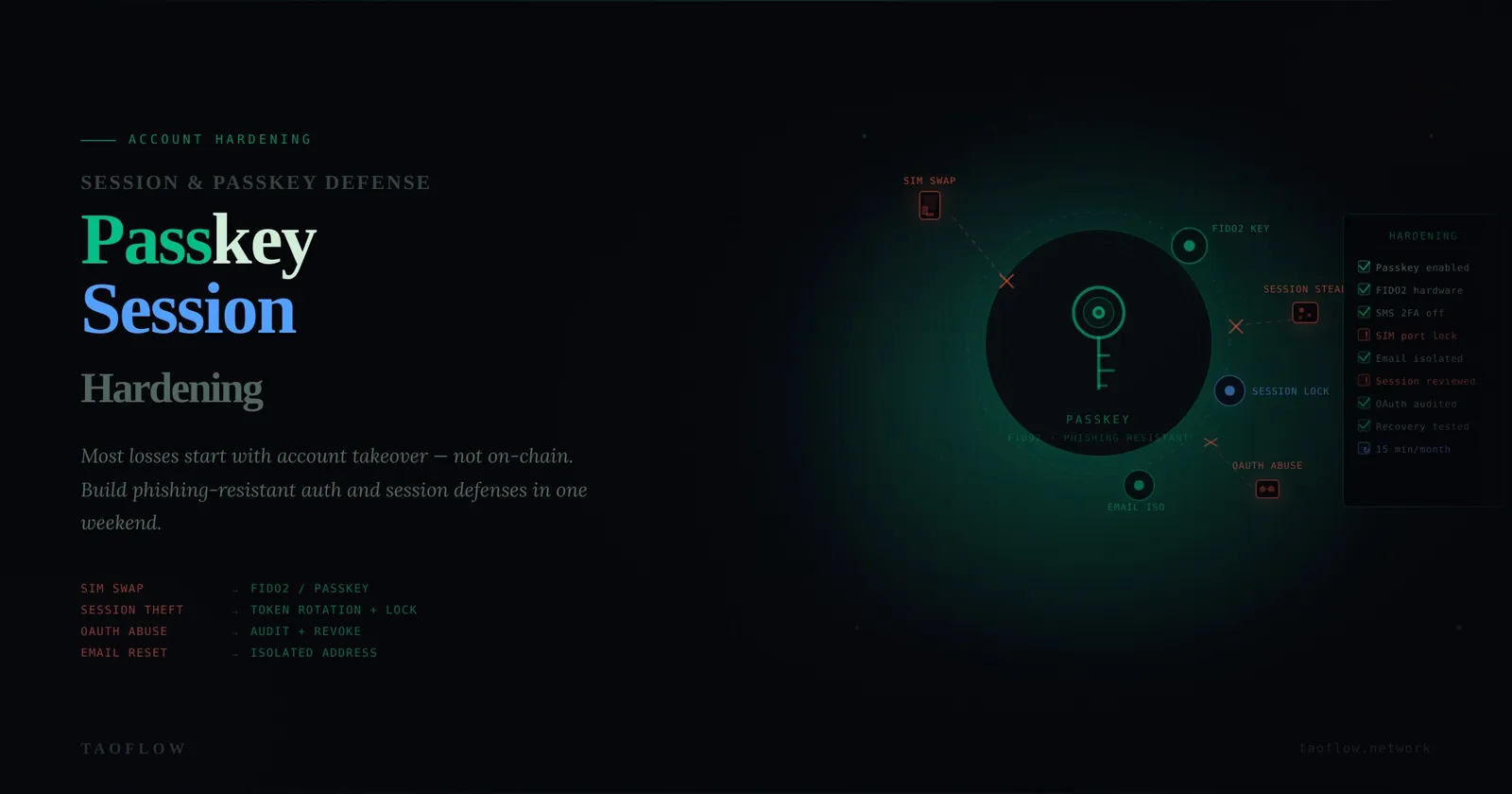
Most crypto losses do not start on-chain. They start with account takeover: your email gets reset, your exchange account is recovered, your social account is hijacked, or your browser session is stolen.
If you hold any meaningful assets, your accounts are part of your wallet security boundary. This guide gives you a practical account-hardening workflow you can complete in one weekend, then maintain in 15 minutes per month.
Threat model first: what are you defending against?
Before changing settings, define realistic threats:
- SIM swap attacker who intercepts SMS codes
- Phishing attacker who steals passwords and one-time codes
- Infostealer malware that grabs browser cookies and saved sessions
- OAuth abuse through a malicious app connected to your email/social accounts
- Support-social-engineering attacker who tricks account recovery flows
You do not need perfect security. You need to remove the easiest paths.
The four account tiers that matter
Treat your accounts in tiers, because not all of them carry equal blast radius:
- Tier 0: Primary email (root of resets for almost everything)
- Tier 1: Exchange/custody accounts and key social identities
- Tier 2: Banking/payments linked to crypto flows
- Tier 3: Everything else
Hardening Tier 0 and Tier 1 gives the largest risk reduction.
Weekend hardening checklist (high impact first)
1) Replace SMS 2FA on critical accounts
For Tier 0 and Tier 1 accounts:
- Disable SMS-based 2FA where possible
- Use authenticator app TOTP or, better, hardware-backed/passkey options
- Save backup codes offline (not in your inbox)
If an account forces SMS, mark it as higher risk and reduce funds/exposure there.
2) Move to passkeys where supported
Passkeys reduce phishing risk because there is no reusable shared secret to type into fake pages.
- Enable passkeys on email, exchange, and identity providers that support them
- Register at least two authenticators (e.g., phone + hardware key)
- Test recovery before you need it
3) Kill password reuse with a manager
- Generate unique 20+ character passwords per account
- Rotate passwords on Tier 0/1 accounts immediately if they were reused
- Store recovery seeds/codes separately from your password vault export
4) Audit active sessions and logged-in devices
Session theft bypasses strong passwords.
- Open account security pages and review active sessions
- Sign out unknown or stale sessions
- Revoke sessions after password/2FA changes
- Disable “stay logged in” on shared or travel devices
5) Clean up OAuth and API access
Connected apps are often forgotten backdoors.
- Review all third-party connected apps
- Remove apps you do not actively use
- Limit app permissions to minimum scope
- Re-check after using new trading/airdrop tools
6) Harden recovery channels
Attackers love weak recovery flows.
- Protect recovery email with the same or stronger controls
- Remove old phone numbers and legacy emails
- Add account-level anti-social-engineering notes or support PINs when available
Monthly 15-minute maintenance routine
Run this every month:
- Check for new/unrecognized sessions
- Review connected OAuth apps
- Confirm 2FA/passkey status on critical accounts
- Verify recovery methods are still under your control
- Re-check exchange withdrawal allowlist settings
Small routine, large payoff. Most account compromise stories include at least one of these checks that was skipped for months.
Red flags that mean “act now”
Treat these as incident triggers:
- Unexpected password reset emails
- New login alerts from unusual locations/devices
- MFA prompts you did not initiate
- Support messages you did not request
- OAuth app approvals you do not recognize
Immediate response:
- Freeze sensitive actions (transfers/trading)
- Rotate password on Tier 0 first, then Tier 1
- Revoke all sessions
- Revoke unknown OAuth/API access
- Move assets if compromise is suspected
A practical policy for teams and power users
If you manage treasury, DAO ops, or client funds, standardize this:
- No SMS 2FA on privileged accounts
- Mandatory passkeys or hardware-backed MFA
- Dedicated browser profile for financial operations
- Change management log for account security settings
- Two-person review for major permission/recovery changes
This is boring security work—but boring is exactly what keeps funds safe.
One lightweight operational enhancement some users adopt is routing sensitive account actions over a consistent private network path (for example, TaoFlow), mainly to reduce exposure on untrusted networks. That helps, but it does not replace strong account controls above.
Final takeaway
Think of account hardening as reducing attacker shortcuts.
You win by removing weak recovery paths, reducing session lifetime, eliminating password reuse, and shrinking third-party access. Do that consistently, and most real-world account takeover attempts become noisy, slow, and easier to stop before funds move.