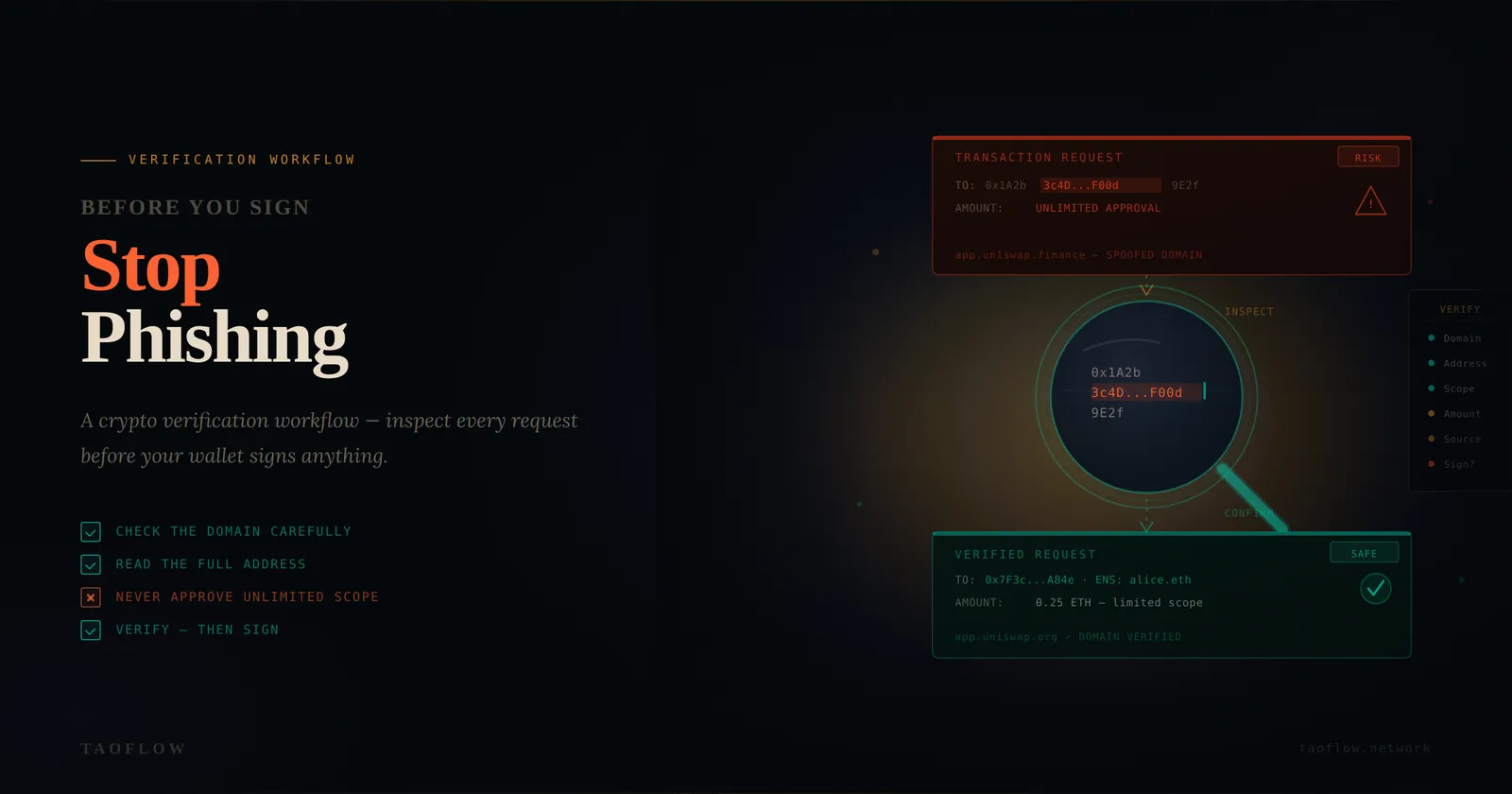
Most crypto losses are not caused by broken cryptography. They are caused by rushed decisions.
A wallet prompt appears, the gas fee looks normal, and the interface feels familiar—so users click "Sign" or "Approve" and move on. Minutes later, funds disappear.
The good news: you can reduce this risk dramatically with a repeatable verification workflow. The goal is simple: never trust a single screen, and never sign under time pressure.
Why signatures are the real attack surface
Attackers rarely need your seed phrase. They can win by getting a valid signature from you.
Common examples:
- A fake "claim rewards" page asks for an unlimited token approval.
- A spoofed bridge interface swaps destination addresses.
- A compromised social account shares a legitimate-looking but malicious link.
- A wallet pop-up displays technical data that users do not decode before approving.
In each case, the transaction is "authorized" by the user. That is why verification habits matter more than perfect tools.
The 5-step verification workflow
Use this sequence every time you connect a wallet, approve tokens, or sign a message.
1) Verify the route, not just the destination
Before interacting, confirm how you got there:
- Did you type the domain manually or use a trusted bookmark?
- Did you arrive from a direct source you control, not a random reply or ad?
- Does the URL exactly match the known domain (including spelling, subdomain, and TLD)?
Threat model: phishing domains often look "close enough" at a glance.
Habit: keep a personal bookmark folder for frequently used apps and never use search-engine ads for wallet actions.
2) Verify context in two independent places
Never trust one channel.
Cross-check critical events in at least two sources:
- Official website + official announcement channel
- Developer docs + verified social post
- Community moderators + status page
Threat model: attackers compromise one account (for example, a social account) and post malicious links.
Habit: if an "urgent migration" or "limited-time claim" appears, assume high risk until independently confirmed.
3) Simulate the intent before you sign
Read what the transaction actually does:
- Is this a signature, approval, or transfer?
- Which token and exact amount are involved?
- Is the approval unlimited (
max uint) or bounded? - Which contract address are you authorizing?
If any field is unclear, stop.
Threat model: attackers rely on users signing opaque prompts without understanding approvals.
Habit: prefer bounded approvals whenever possible. Revoke stale approvals on a schedule.
4) Separate wallets by risk tier
Use at least two wallets:
- Vault wallet: long-term storage, minimal interactions.
- Active wallet: daily DeFi/NFT interactions, limited balance.
Optional third layer:
- Burner wallet: one-off mints, unknown dApps, high-risk experiments.
Threat model: one compromised dApp should not expose your full treasury.
Habit: move only the needed amount to the active wallet before a transaction window.
5) Add a forced pause before final approval
Create a mandatory delay:
- Wait 60–120 seconds before clicking final confirm.
- Re-read destination, amount, and approval scope.
- Ask: "If this is malicious, what is the worst-case loss?"
Threat model: urgency bypasses judgment.
Habit: treat urgency as a security signal, not a priority signal.
Practical daily checklist (copy/paste)
Use this quick checklist before any signature:
- [ ] I reached this page from a trusted route (manual/bookmark).
- [ ] Domain and subdomain are exactly correct.
- [ ] Event/announcement confirmed in two independent channels.
- [ ] I understand whether this is sign/approve/transfer.
- [ ] Token, amount, and contract are expected.
- [ ] Approval is bounded (or justified if unlimited).
- [ ] I am using the right wallet tier (vault/active/burner).
- [ ] I paused and re-checked before confirming.
If any box is unchecked, do not sign.
Incident response: what to do if you signed something suspicious
Act fast, in order:
- Revoke approvals for affected tokens/contracts.
- Move remaining assets to a clean wallet.
- Stop interacting with the suspicious app.
- Document transaction hashes and timestamps.
- Warn collaborators/team if shared operational wallets are involved.
If you run a team workflow, standardizing this playbook in your ops docs (whether you use TaoFlow or another access stack) makes incident handling much faster.
Final takeaway
Security in crypto is less about finding one perfect tool and more about reducing unforced errors.
A clear verification workflow turns "I think this is fine" into "I checked, confirmed, and limited impact." Over time, that discipline is what protects capital.