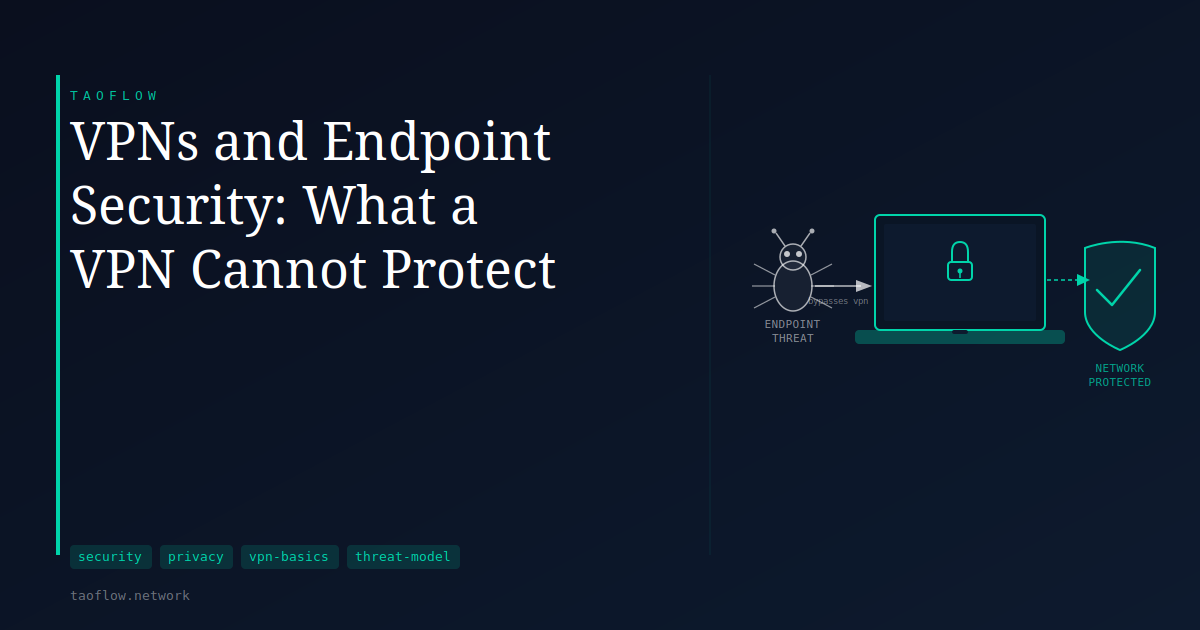
You've connected to your VPN, the tunnel icon is green, and your IP address belongs to a server hundreds of miles away. You feel a bit more private. But your browser just loaded a website that dropped a tracking cookie, a desktop app is sending telemetry to its developer, and a phishing email you didn't notice last week installed something that's been running quietly ever since. None of that changed when you hit connect.
A VPN is a network-layer tool. It encrypts the traffic between your device and a VPN server and substitutes that server's IP address for yours at the far end. That's genuinely useful—but it covers only one slice of the surface where privacy and security can be eroded.
What a VPN Actually Does
A VPN creates an encrypted tunnel between your device and a VPN server. Traffic passing through that tunnel is unreadable to your ISP and to anyone monitoring the local network you're on—a coffee-shop router, a hotel switch, a mobile carrier's infrastructure. The destination website sees the VPN server's IP address, not yours.
That is the complete list of what a VPN does. It is a network privacy tool, not a device security tool. Everything that happens on your device—before traffic enters the tunnel and after it exits—falls outside its scope.
Malware Has Its Own Path Out
If malicious software is running on your device, a VPN does not stop it. Malware communicates through the same encrypted tunnel your legitimate traffic uses. A keylogger captures your passwords before they are encrypted and sent anywhere. Screenshot tools exfiltrate images the same way a browser uploads a photo. Remote-access software can tunnel outbound through the VPN connection itself.
The defenses against this class of threat are antivirus software, careful software installation habits, operating system updates, and sandboxed execution environments. A VPN has no visibility into what is running on the device and makes no attempt to intervene.
Cookies and Browser Fingerprinting
When you visit a website, your browser can be assigned a cookie—a small identifier stored locally. That cookie persists across sessions and across IP addresses. If you're logged into a site, or have been without ever clearing cookies, that site can recognize you regardless of which IP address you arrive from.
Even without cookies, a VPN does not change your browser fingerprint. Fingerprinting combines signals like your screen resolution, installed fonts, browser version, timezone, and language settings into a profile that can distinguish your browser from many others. Changing your IP address leaves all of these signals intact. A VPN hides your IP from the destination; it does not alter what your browser reveals about itself when it loads a page.
Logged-In Accounts
If you are signed into a service—any service—it knows who you are. Not because of your IP address, but because you have an active authenticated session with a stored identity. Visiting that service through a VPN changes your apparent network location and nothing else. Your activity remains tied to your account.
VPNs are most useful for unauthenticated browsing, or when you want to separate a session from any established account identity. For someone authenticated to a platform that tracks all activity through the account itself, a VPN provides no additional protection against that tracking.
Application and OS Vulnerabilities
Software vulnerabilities—unpatched applications, misconfigured services, outdated operating system components—are exploited at the application layer, not the network layer. A VPN encrypts the channel between your device and the outside world, but it does not patch a security flaw in your browser, a PDF reader, or your operating system.
Endpoint security means keeping software updated, limiting what you install, and using application-layer protections where they exist. It is a separate discipline, and a complementary one, to using a VPN.
What This Means for You
A VPN is one component in a broader privacy setup, not a replacement for the rest of it.
- ISP monitoring your traffic? A VPN addresses that directly.
- On an untrusted local network, like a public hotspot? A VPN is well-suited here.
- Worried about advertiser tracking? A VPN reduces IP-based tracking, but cookies, fingerprinting, and account-based tracking require separate measures—browser hygiene, cookie management, and avoiding logged-in browsing where you want privacy.
- Concerned about malware or software exploits? A VPN is not the relevant defense.
Asking which specific threat you're trying to address is more useful than checking whether a VPN is on. The answer shapes which tools actually matter.
Keeping Expectations Honest
VPNs do what they claim to do: they encrypt traffic in transit and substitute a network address. The gap between expectation and reality usually comes from treating a network tool as though it were a complete security solution.
Understanding where a VPN's protection ends makes it easier to identify what else belongs in your setup—and to avoid the false confidence that comes from a green tunnel icon and a different IP address.