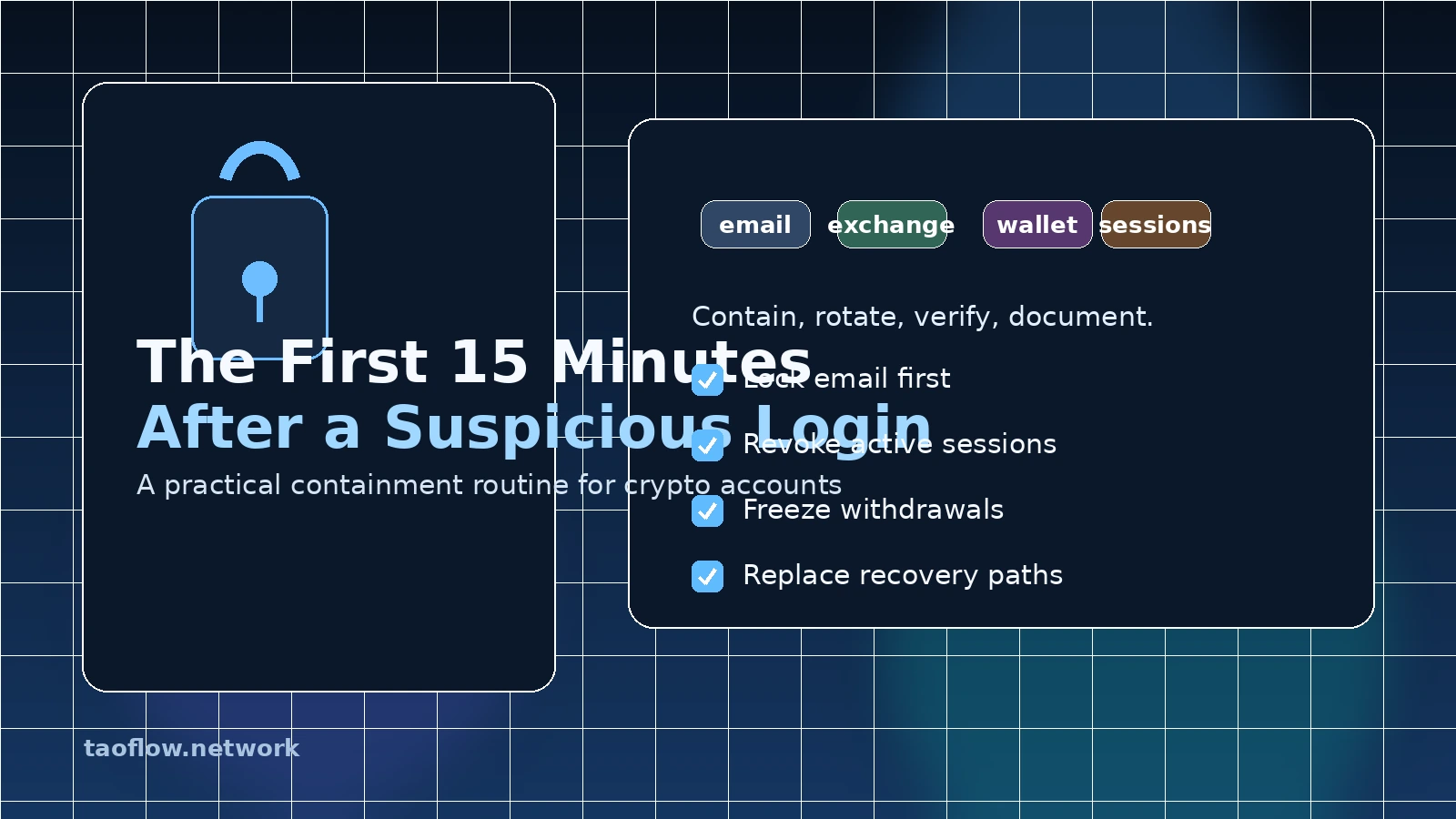
If you get a login alert for an account you did not touch, treat it as a security incident until proven otherwise.
That does not always mean the account is lost. Sometimes the alert is a false positive, a stale device, or a VPN-related trigger. But in crypto work, the cost of being wrong is high: a compromised email inbox can reset exchange passwords, a stolen session can add API keys, and a weak recovery path can undo every other control you have in place.
The point of this routine is not panic. The point is to buy time, close the obvious paths, and make the attacker's next move harder.
What counts as a suspicious login
Not every alert is equal, but these should move you into containment mode:
- A login from a country, city, or device you do not recognize
- A password reset email you did not request
- New session activity while you were offline
- A new forwarding rule, mailbox filter, or app password you did not create
- A prompt to approve a passkey, 2FA prompt, or recovery code you never initiated
- A dashboard showing API keys, withdrawal addresses, or connected apps you do not remember
If any one of those is true, assume the attacker may already have session access.
The first 15 minutes: a containment routine
Minute 0–2: Stop the bleed
Do not click the alert link. Do not reply to the message. Do not assume the alert itself is trustworthy.
Instead:
- Put the current device into work mode, not browsing mode
- Open a clean password manager vault or a trusted clean device if you have one
- Write down the affected account, the timestamp, and the alert source
- Stop all nonessential trading, transfers, and signing activity
If you suspect the browser or device is compromised, switch devices before doing anything else. A compromised session can watch every change you make.
Minute 2–5: Lock the root account first
For most crypto users, the root account is email, because email resets everything else.
Do these in order:
- Change the email password to a new, unique, random password.
- Revoke all active sessions except the one you are using.
- Check for mailbox forwarding rules, filters, recovery addresses, and app passwords.
- Remove any unknown recovery phone numbers or backup emails.
- Review recent login history for other suspicious sign-ins.
If your exchange, cloud drive, or social accounts use the same email, those are now in scope too. A single mailbox compromise can turn into a full account takeover chain.
Minute 5–8: Replace weak recovery paths
A strong password does not help if the attacker can still recover the account through SMS or a weak backup method.
Review your authentication setup:
- Remove SMS 2FA where a stronger option is available
- Prefer passkeys or hardware security keys for high-value accounts
- If you use TOTP, keep the seed in a secured backup process, not in a screenshot or notes app
- Regenerate recovery codes and store them offline
- Revoke any app passwords you no longer need
If the account offers it, rename or re-enroll trusted devices. Attackers often survive password resets by keeping a valid session token or a remembered device.
Minute 8–11: Freeze financial exposure
Now move to the accounts that can move money.
For exchanges and custodial wallets:
- Change the password and log out all other sessions
- Review withdrawal addresses and whitelist settings
- Remove unknown API keys
- Check for newly linked devices or subaccounts
- Enable withdrawal delays or allowlist controls if available
- Pause withdrawals temporarily if the service allows it
For self-custody workflows, inspect the surrounding tools:
- Wallet browser extensions
- Password manager access
- Cloud-synced notes or screenshots
- Signing devices and mobile wallets
If you ever stored seed phrases, backup files, or recovery hints in a cloud service, that service is now part of the incident.
Minute 11–13: Check adjacent accounts and devices
Attackers rarely stop at one account. They look for lateral movement.
Review:
- Cloud storage accounts for shared files or recovery documents
- Messaging apps for impersonation or recovery-code theft
- Social accounts for fraudulent posts or DMs
- Browser sync for injected extensions or history access
- Device settings for unknown profiles, certificates, or remote access tools
If the suspicious login came from a device you use daily, assume it may carry the same problem into other accounts. That may mean rotating passwords from a different machine later.
Minute 13–15: Document and escalate
Before you forget details, create a short incident log:
- What happened
- Which account alerted
- What you changed
- What remains uncertain
- Which services need follow-up
Then contact support only through official channels. Use the website or in-app help portal you already trust, not a DM from someone claiming to be support.
If you are an exchange customer, ask for:
- Session review
- Withdrawal lock or review
- API key audit
- Login history export
- Temporary hold on account changes, if possible
What not to do
A lot of damage comes from bad incident habits. Avoid these common mistakes:
- Do not keep using the same browser profile you suspect is compromised.
- Do not change only one password and call it done.
- Do not trust screenshots or forwarded messages as proof of safety.
- Do not reset MFA before checking whether the attacker already added their own recovery path.
- Do not move funds back into a hot wallet until you understand the scope.
- Do not talk to “support” accounts that contacted you first.
A serious incident is a verification problem, not a speed problem.
After the first 15 minutes: finish the containment job
The first quarter hour is only the beginning. Once the bleeding is under control, do a more complete pass.
1) Rebuild trust from a clean environment
Use a known-clean device to change critical passwords and review high-value accounts. If you are not sure a device is clean, do not use it for recovery actions.
2) Revoke everything you do not need
You do not need to preserve convenience during an incident.
Remove:
- Old sessions
- Old app passwords
- Unknown connected apps
- Stale OAuth grants
- Browser extensions you cannot justify
3) Add a second layer of protection where it matters most
For the accounts that would be catastrophic to lose, require stronger controls:
- Hardware key or passkey for email and exchange accounts
- Dedicated email for financial accounts
- Separate browser profile for crypto activity
- Offline backup of recovery codes
- Withdrawal allowlists where the platform supports them
4) Assume you may have to rotate adjacent secrets
If the incident involved email or a synced browser profile, you may need to rotate more than one credential set. That includes cloud drive logins, team chat accounts, and any API tokens tied to those accounts.
A simple standing checklist
Keep this near your keyboard:
- [ ] I can identify the exact account and alert source
- [ ] I stopped new transactions and signatures
- [ ] I locked the root email account
- [ ] I revoked live sessions
- [ ] I checked forwarding rules, recovery methods, and app passwords
- [ ] I replaced weak MFA and rotated recovery codes
- [ ] I froze exchange withdrawals and removed unknown API keys
- [ ] I checked adjacent accounts and devices
- [ ] I wrote down the incident timeline
- [ ] I contacted support only through official channels
Final takeaway
A suspicious login is not just an account event. It is a warning that your identity layer may be under active pressure.
Your goal in the first 15 minutes is not perfection. It is containment: protect the root inbox, kill the sessions, freeze money-moving paths, and verify every recovery step from a clean environment.
If you can do that calmly, you turn a fast-moving incident into a manageable cleanup instead of a wallet-loss story.