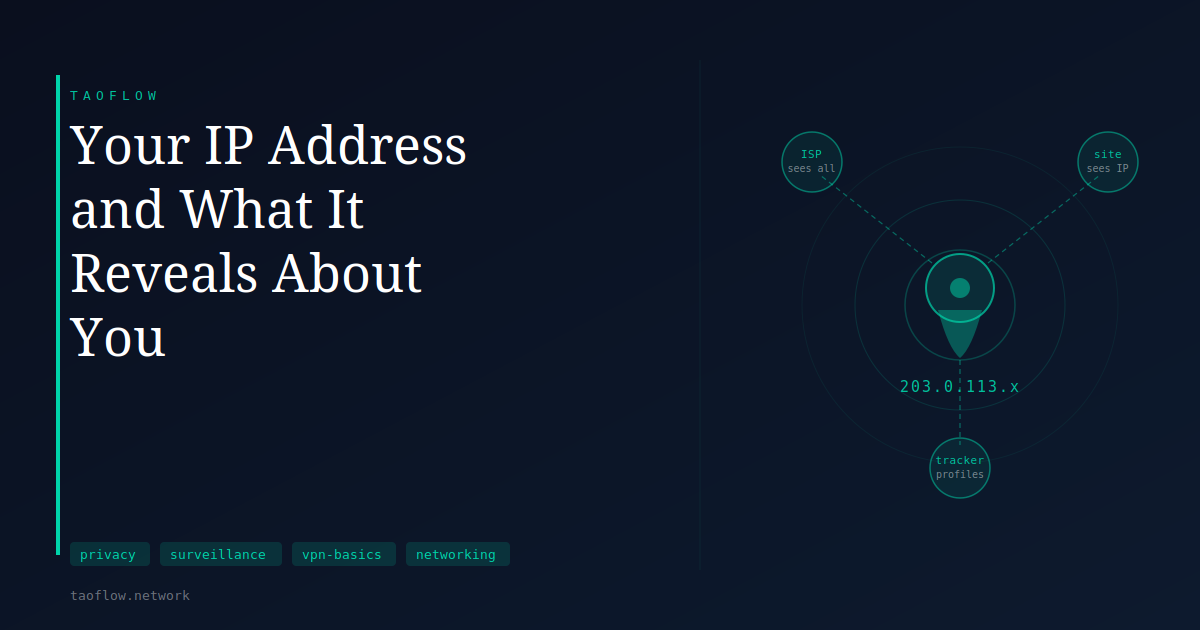
Every time you open a browser and visit a website, your device sends a request that includes a number: your IP address. You didn't choose to share it — it's a technical requirement of how the internet works. But what can the receiving end actually do with that number?
The answer is more nuanced than most privacy guides suggest. An IP address is not a home address, but it's not nothing either.
What an IP Address Is
An IP address is a numeric label assigned to your device — or more commonly, your router — by your internet service provider. When you connect to the internet, your ISP assigns you an address from a block it owns. That address is what websites, servers, and anyone else on the internet see when your device makes a connection.
Most home users share a single IP address across their household, because the router acts as a single gateway. Several people using the same Wi-Fi connection all appear as the same IP address to outside services.
IP addresses are not permanent for most users. Residential ISPs typically use dynamic addressing, meaning your IP can change when you reboot your router, after a lease period expires, or when the ISP reassigns its blocks. Static IPs — addresses that stay constant — are more common for businesses.
What a Website Learns From Your IP
When a web server logs your visit, your IP address is usually captured automatically. From that number, the server (or any third-party analytics service it uses) can look up several things.
Geographic location — but with limited precision. IP geolocation databases map IP ranges to approximate locations. For most residential IPs, a lookup returns the city or region associated with the ISP's address block, not your street address. Country-level accuracy is generally reliable; city-level accuracy varies; anything more specific is unreliable.
Your ISP — reliably. The company that owns the IP block is publicly registered. Anyone can look up which provider assigned your address and the type of connection — residential broadband, mobile, datacenter, or Tor exit node.
Rough session patterns — when seen across visits. If the same IP appears on a site multiple times over days or weeks, it can be associated with a returning visitor even without cookies. For users with slowly-changing IPs this is a meaningful signal; for users on heavily dynamic addresses it is less precise.
What an IP address does not reveal on its own: your name, your email address, your precise location, or what you do on your own device. Law enforcement with a subpoena can ask your ISP to connect an IP to an account holder, but that is a separate process from what any website can do directly.
How IP Data Is Used in Practice
Most websites log IP addresses as a routine part of server operation — for debugging, rate limiting, and abuse prevention. An IP showing unusual request volume might trigger a CAPTCHA or a temporary block. An IP associated with spam may be refused service.
Advertising networks and data brokers also collect IP addresses across many sites. An IP that appears consistently across multiple services can be linked to a browsing profile over time — not necessarily to your name, but to a pattern of behavior. This kind of cross-site tracking by IP is less precise than cookie-based tracking but survives cookie clearing.
Content delivery networks and streaming platforms use IP geolocation to apply regional licensing rules. If your IP falls outside a permitted region, access to certain content may be restricted regardless of anything else about your session.
The ISP's View
The picture changes significantly when you consider what your ISP itself sees, rather than the sites you visit.
Your ISP can see every DNS query your device makes — the domain names you look up. It can see which IP addresses you connect to, and when. For unencrypted traffic it can read the content. For encrypted traffic (HTTPS) it can still see which servers you contacted and roughly how much data moved.
In many countries, ISPs are required to retain this connection data for months or years. In others, they are permitted to sell aggregated browsing data for advertising purposes. The specifics depend on jurisdiction and applicable regulation, which vary significantly by country.
What a VPN Changes
A VPN routes your traffic through an intermediary server. From the perspective of every website you visit, your IP address is the VPN server's — not your own. The site sees the server's approximate location, not yours. Your ISP sees an encrypted connection to the VPN server, not which sites you are visiting.
This hides your IP from destination websites. It prevents your ISP from reading your DNS queries or seeing which domains you visit. It can change how you appear to geolocation systems, though results with geo-restricted services vary by platform.
What a VPN does not change: websites can still identify you via cookies, browser fingerprinting, or logged-in accounts. A VPN shifts trust from your ISP to the VPN provider, so who operates the VPN and what they log is a relevant question.
What This Means for You
If your concern is websites collecting your approximate location and ISP from your IP address, a VPN directly addresses that. If your concern is your ISP monitoring which services you use over time, a VPN addresses that too.
If your concern is being identified through a logged-in account or persistent cookies, changing your IP alone won't help — you would also need to manage browser state separately.
For everyday browsing on a trusted home network, most people don't need to think much about what their IP reveals. For situations where your ISP or network operator shouldn't know which sites you visit — a work network, public Wi-Fi, or a jurisdiction with aggressive data retention rules — routing through a VPN is a practical step.
Your IP address is not a detailed file on you, but it is a data point that accumulates meaning when combined with others over time. Understanding what it actually reveals makes it easier to decide when obscuring it is worth the effort and when it isn't.