You connect to a VPN. You install a password manager. You switch to a privacy-respecting search engine. These are reasonable steps — but how do you know whether they are the right steps for your situation?
Most privacy advice skips a question that should come first: what are you actually trying to protect, from whom, and what is the realistic likelihood that they would try? Without those answers, you are choosing tools before you understand the problem.
A threat model is a structured way of answering those questions. It sounds technical, but the version most individuals need takes about fifteen minutes and requires no special software.
What Do You Want to Protect?
Start by listing the data or activities that concern you. Be specific:
- Your browsing history
- Your physical location over time
- Your messages and calls
- Your identity — name, address, payment details
- Your activity on a specific service or platform
Goals like "I want more privacy" are hard to act on. "I want my ISP to not see which websites I visit" is specific enough to evaluate tools against. Write down the concrete things that matter to you, even if the list is short.
The specificity matters because different assets call for different protections. Browsing history at the ISP level is addressed by encrypting your traffic. Identity exposure from data breaches is addressed by using unique, strong passwords. These are different problems.
Who Are Your Adversaries?
"Adversary" sounds dramatic. It just means: who might realistically try to access the things you listed?
For most individuals, the list is short:
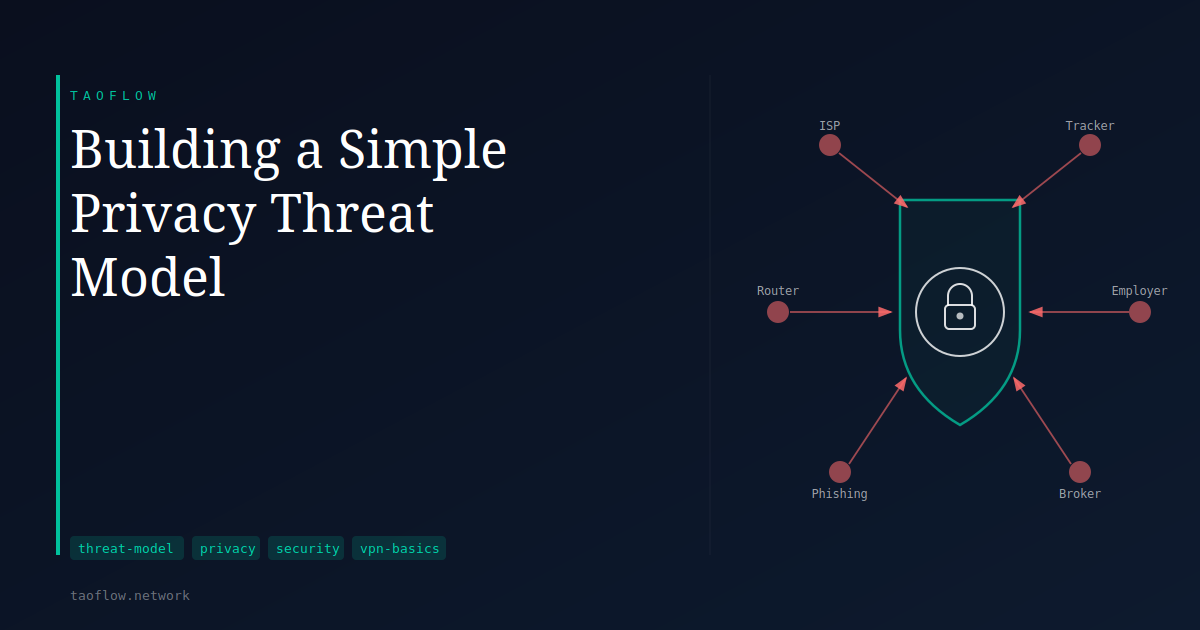
ISPs and mobile carriers. They see which domains you contact, even over HTTPS, and the metadata of your connections. In many jurisdictions they can retain and sell this data. This is passive — they collect it because it flows through their infrastructure, not because they are targeting you specifically.
Advertisers and data brokers. Third-party trackers on websites build behavioral profiles across many sites. Data brokers aggregate records from public databases, loyalty programs, and purchased data sets and sell the result.
Employers. On a corporate network or managed device, employers may monitor traffic, log DNS queries, or inspect application usage.
Household members. Home routers often log DNS queries. If you share a network, your browsing destinations may not be private at home.
Targeted actors. A small subset of people — journalists, activists, people in contentious legal situations — face deliberate targeting. This requires different tools and assumptions than the general list above.
Your adversary list does not need to include everyone. For most people, ISPs, advertisers, and data brokers are the realistic answer.
What Methods Would They Use?
For each adversary, think about how they would realistically access your data in practice.
An ISP does not need to attack you — they see your traffic because it flows through their systems. A VPN that encrypts your connection and routes DNS through the tunnel addresses this directly.
Advertisers rely on cookies, logged-in accounts, and browser fingerprinting. A VPN hides your IP address from the sites you visit, but it does not prevent tracking through those mechanisms. A tracker-blocking browser extension addresses advertiser tracking more directly than a VPN does.
A targeted attacker is more likely to use phishing or social engineering than to intercept your network traffic. Strong, unique passwords and a password manager reduce the exposure that method targets.
Matching tools to specific methods — rather than applying every privacy tool to every threat — makes your protections more effective and your daily setup more sustainable.
Calibrating Proportionality
A threat model also helps you decide how much effort is appropriate.
If your main concern is ISP traffic logs and advertiser profiling, a VPN combined with a tracker-blocking browser extension covers most of it. If your concern extends to identity exposure, email aliases and careful account hygiene become more important.
If you want to reduce what the VPN provider itself knows about you — including any payment or identity linkage — services that require no account and no linked payment method (such as a no-login VPN like TaoFlow) reduce that surface further.
The goal is not to use the maximum number of tools. It is to use appropriate tools for your actual situation. Adding protections that do not address your specific threats wastes effort and can make your setup harder to maintain.
What This Means for You
Here is a practical starting point. Write down plain-language answers to three questions:
- What specific data or activity do I want to keep private? Be as concrete as you can.
- Who could realistically access it, and by what method? Not in theory — what is the realistic mechanism?
- What am I willing to do about it? Time, cost, and convenience are real constraints.
When you look at those answers together, the right tools tend to become clearer. You may find your concern is narrow and already covered by tools you have. You may find a gap you had not considered.
Either way, starting from the question rather than the product leads to a more honest and more practical result. Privacy is not a single property you have or do not have — it is a set of specific protections against specific risks, and a threat model is how you work out which ones apply to you.