You open your browser and visit a banking site. The padlock in the address bar is there. Everything looks secure. But the network you're connected to, your internet provider, and several systems in between still have access to information about what you're doing — just not to the content of what you're doing.
HTTPS, the protocol behind that padlock, protects a significant amount. It encrypts the body of your web traffic so that neither your ISP nor a network observer can read your messages, passwords, or payment details as they travel across the network. That is genuinely important. But HTTPS was designed to protect content, not identity. A VPN covers some of the gaps it leaves open.
What HTTPS Actually Protects
When you connect to a website over HTTPS, your browser and the server negotiate an encrypted connection using TLS (Transport Layer Security). After that handshake, the content of every request and response — the page content, form fields, search queries, file uploads — is encrypted in a way that outside observers on the network cannot read.
HTTPS also verifies that you're connecting to the right server. A certificate authority has confirmed that the server presenting the certificate does, in fact, control that domain. This prevents someone from quietly inserting themselves between you and the website to read or alter traffic in transit.
These are meaningful protections that apply whether or not you use a VPN.
What HTTPS Does Not Hide
The limits of HTTPS become clear when you consider what the protocol was designed for: protecting the content of the connection, not the metadata surrounding it.
Your ISP can still see which IP addresses your device connects to. Through a mechanism called SNI (Server Name Indication), used during the TLS handshake to tell the server which domain you want, ISPs and other observers can often read the domain name of every site you visit — even when the connection is encrypted. DNS queries, which translate domain names into IP addresses, are also sent in plaintext by default and are visible to whoever handles your DNS resolution, which is often your ISP.
Your real IP address is also visible to every server you connect to. The website you visit knows where your request came from. So do ad networks and other third parties whose resources load on the page.
None of this means an attacker can read your emails or see what you searched for. But it does mean that a detailed picture of your browsing habits — which sites you visit, when, and for how long — is available to parties that sit between you and the internet.
What a VPN Adds
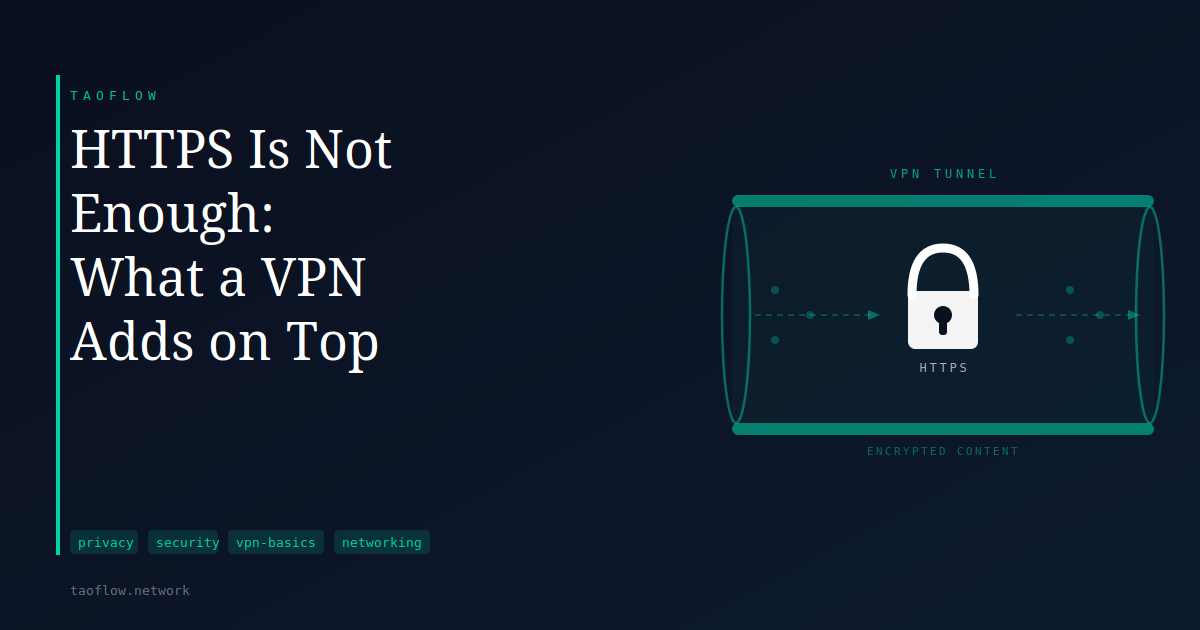
A VPN wraps your traffic in an encrypted tunnel between your device and a VPN server. To your ISP and the rest of the network you're on, the content of your connection is opaque. They can see that you're sending data to the VPN server, but not what you're sending or where it ultimately goes.
This changes what different parties can observe:
Your ISP no longer sees which domains or IP addresses you're connecting to. From their perspective, you have an encrypted connection to a VPN endpoint and nothing more.
Destination servers see the VPN server's IP address, not yours. The request appears to originate from the VPN server's location, not from your home or office network.
DNS queries are routed through the VPN tunnel, so they do not reach your ISP's resolver in plaintext. Whether this happens in practice depends on how the VPN client is configured; a properly set-up client handles DNS through the tunnel. When it does not, the result is a DNS leak — a situation where domain lookups travel outside the tunnel and expose what you're connecting to.
A VPN does not change what happens inside the TLS connection between you and the destination server. The content was already encrypted by HTTPS. What a VPN adds is a layer of protection around the metadata: the destinations, the timing, and the volume of your traffic.
Where the VPN Provider Fits In
Adding a VPN shifts what is visible and to whom, but does not remove the need for trust — it relocates it. Your ISP stops seeing your traffic patterns, but now the VPN provider sees them instead. The VPN server observes the same things your ISP used to observe: which sites you connect to and when.
This is why the logging policy and jurisdiction of a VPN provider matters. A provider that records connection metadata can share it in ways you may not anticipate. A provider that keeps no logs and has undergone independent auditing presents a different risk profile. The protocol also plays a role: WireGuard, which has lived in the Linux kernel since version 5.6 and uses ChaCha20-Poly1305 for encryption, is designed to hold minimal connection state — though some implementations still collect metadata at the application layer above the protocol.
For users who prefer not to create an account or link an email address to their VPN usage at all, services like TaoFlow provide access through a token-based model, without registration.
What This Means for You
If your primary goal is to prevent network observers from reading the content of your web traffic, HTTPS already handles that on the vast majority of modern sites. You do not need a VPN to stop your ISP from reading your messages or passwords on sites using HTTPS.
If you want to limit what your ISP learns about which sites you visit, or you want websites and ad networks to see a different IP address than your own, a VPN adds those capabilities on top of what HTTPS provides.
Neither tool makes you unidentifiable online. You can still be tracked through browser fingerprinting, cookies, and logged-in accounts regardless of whether HTTPS or a VPN or both are in use. Understanding what each layer protects — and what it does not — helps you make better decisions about which tools are worth using for your actual situation.
HTTPS and a VPN are not competing answers to the same problem. They operate at different layers and protect different things. When both are in use, you get the content protection that HTTPS provides combined with the destination and IP privacy that a VPN adds. Knowing where each one starts and stops is more useful than treating either as a complete solution on its own.