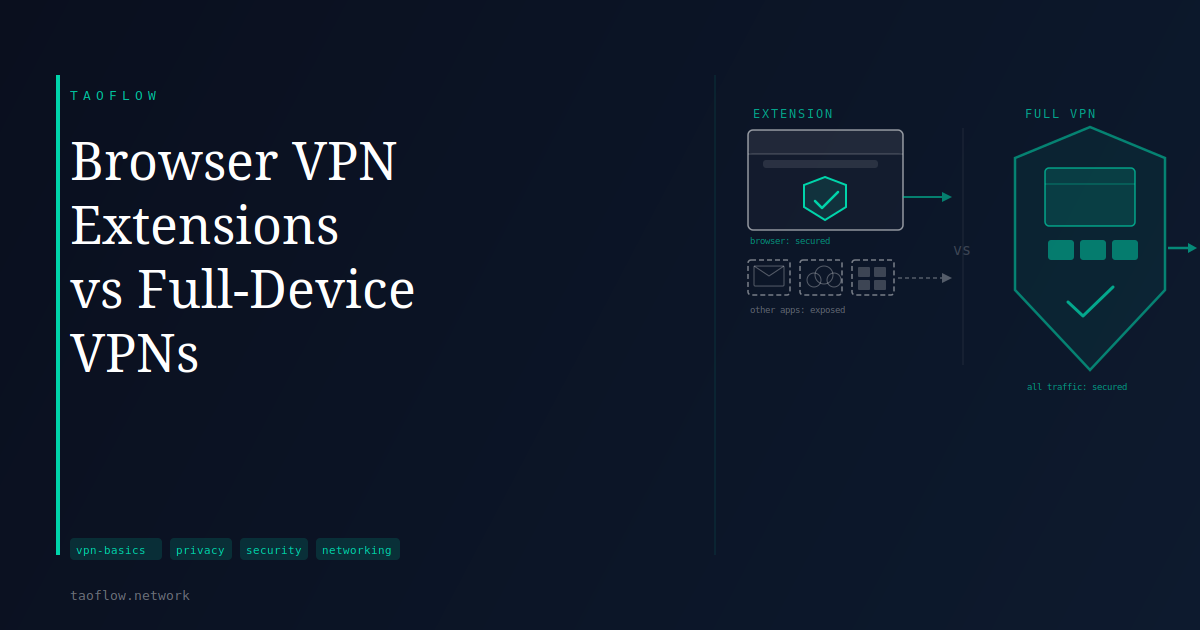
Many people install a VPN browser extension assuming they now have VPN protection. The extension icon turns green, the IP address changes on test sites, and the experience feels complete. But open a desktop email client, start a video call, or let a cloud backup sync in the background—none of that traffic passes through the extension. Your ISP sees it, and every destination server sees your real IP address.
That gap is not a flaw in any particular product. It is the fundamental difference between a browser-scoped proxy and a system-level VPN.
What a browser extension actually does
Most browser VPN extensions are not true VPNs—they function as HTTP/HTTPS proxies. When active, the extension intercepts requests the browser makes and routes them through a remote server. Websites you visit see that server’s IP address; your ISP sees a connection to the proxy rather than to your destination.
Extensions became popular partly because they require no administrator permissions and no separate software installation. Enabling one takes seconds, and the proxy activates immediately. That convenience comes with a meaningful trade-off: the extension only intercepts traffic the browser itself generates. Every other application on your device—email clients, messaging apps, file-sync software, operating system services—sends its traffic through your normal, unprotected connection.
What a full-device VPN covers
A full-device VPN operates at the network layer. When connected, it creates a virtual network interface and updates your operating system’s routing table so that all outbound traffic—regardless of which application sends it—travels through an encrypted tunnel and exits from the VPN server’s IP address.
Applications do not need any awareness of the VPN. The routing decision happens below the application layer. WireGuard accomplishes this by creating a kernel-managed network interface that all traffic flows through—your browser, email client, video call software, and background system services included. There is no way for an application to bypass the tunnel unless you have specifically configured split tunneling to exclude it.
The gaps a browser extension leaves open
If your goal is privacy from your ISP, or consistent IP address coverage across your device, browser extensions leave real exposure:
System-level DNS: Most browser extensions do not change how your operating system resolves domain names. DNS queries from other apps and from the OS itself still go to your ISP’s resolver, revealing the domains those services are connecting to even when the extension is active. On some systems, even the browser can fall back to OS-level DNS for certain lookups.
Non-browser application traffic: Application telemetry, cloud sync clients, messaging apps, and other background processes all bypass the extension entirely. Your ISP can observe connection patterns and destinations for any of that traffic.
WebRTC within the browser: Even inside the browser, WebRTC connections used by video calls and peer-to-peer applications may bypass the proxy and expose your real IP address. Not all extensions handle WebRTC consistently.
A full-device VPN, with DNS routed through the tunnel, closes all three gaps. Enabling a kill switch means that if the tunnel drops, traffic is blocked rather than silently reverting to your real IP and real DNS resolver.
When a browser extension is the right tool
Browser extensions are not useless—they just solve a narrower problem than most users assume.
They work well when you need to access geo-restricted web content without affecting how other applications connect, when you cannot install system software on a managed or shared device, or when your concern is specifically what websites see rather than what your ISP sees.
Some users run both: a full-device VPN for general use, and a browser extension for switching regions on a specific streaming tab. That combination is reasonable, provided you recognize that the full-device VPN is doing the privacy work and the extension is only handling the geo-switch. The important thing is understanding which case applies to you before relying on the extension for something it was not designed to do.
What This Means for You
If you have been relying on a browser extension as your primary privacy tool, the coverage is narrower than it might appear:
- Think about how many applications on your device connect to the internet in the background. None of that traffic passes through the browser extension.
- If you want full-device coverage, install a VPN client at the OS level. WireGuard-based setups are efficient and widely supported across Windows, macOS, iOS, and Android.
- After switching to a full-device VPN, run a DNS leak test to confirm that DNS queries are routing through the tunnel rather than through your ISP’s resolver.
- Enable a kill switch if your VPN client supports one. Without it, a brief tunnel disconnect will send traffic over your real connection until the VPN reconnects.
The browser/device distinction matters most when you assume you have more coverage than you do. Understanding where the protection actually starts and stops lets you make an informed choice—rather than discovering the gap at a moment that counts.