Your company tells you to "always use the VPN." Your laptop has two VPN icons in the menu bar. You are not entirely sure which one does what, or whether you need both. This is more common than it sounds.
Remote work has made VPNs a regular part of the workday, but the word "VPN" covers at least two very different tools with different purposes. Understanding the difference saves frustration and helps you use each one appropriately.
Corporate VPNs: Access, Not Privacy
The VPN your employer provides is designed to give you access to internal systems — the shared file server, the internal wiki, the HR portal that is not exposed to the public internet. When you connect, your work traffic travels through a tunnel to the company's network, where it exits and reaches those internal systems.
This matters for one reason that is easy to miss: your employer can see your work traffic. That is not a bug — it is the point. A corporate VPN routes traffic through infrastructure the company controls. From a privacy standpoint, you are trading the ISP's view of your traffic for the employer's view. If you are concerned about who sees your browsing activity, a corporate VPN does not solve that problem.
Corporate VPNs also often route all traffic — not just work-related requests — through the employer's network. Whether that applies to your setup depends on how the VPN is configured. Split-tunnel mode routes only internal traffic through the company; full-tunnel mode routes everything. It is worth finding out which one your employer uses.
Personal VPNs and Where They Help Remote Workers
A personal privacy VPN — separate from any employer-provided tool — serves a different goal: protecting your traffic from the network you happen to be connected to.
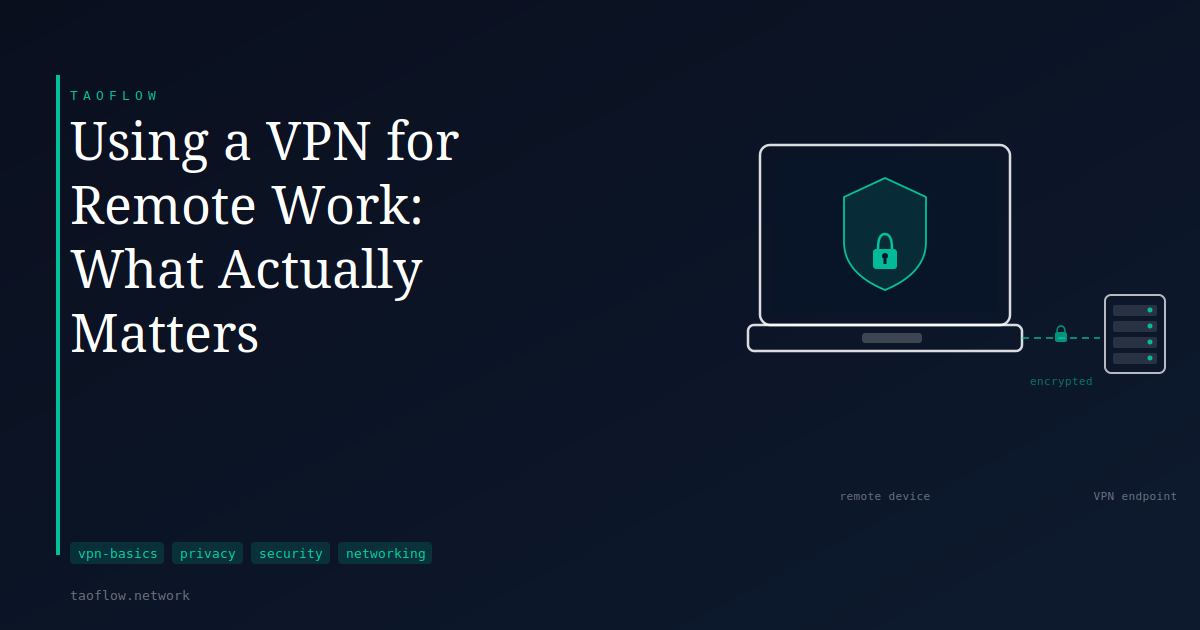
Consider working from a hotel or a coffee shop. The operator of that network can see metadata about your activity, and in some configurations may be able to intercept unencrypted traffic. Connecting to a personal VPN before using that network means your traffic is encrypted before it leaves your device. The local network sees only that you are connected to a VPN endpoint — not which sites you visit or what data you exchange.
This is the scenario where a personal VPN provides the clearest value for a remote worker. On a trusted home connection, the benefit shifts: a VPN on home Wi-Fi moves the visibility of your traffic patterns from your home ISP to the VPN provider. Whether that trade is worth making depends on what you are trying to protect.
Split Tunneling: Routing Traffic Intentionally
If your company VPN routes all traffic through the employer's network, or if you want to use a personal VPN alongside a corporate one, split tunneling becomes relevant. Split tunneling lets you choose which traffic goes through a given tunnel and which goes directly to the internet.
A common remote-work setup: internal company traffic goes through the corporate VPN, while everything else takes a separate path — either through a personal VPN or directly. Not all corporate VPNs permit this; some require full-tunnel mode for security or compliance reasons. But when split tunneling is available, it reduces the amount of personal traffic routed through an employer's infrastructure.
Split tunneling also has practical effects on performance. Every additional hop through a remote VPN server adds some latency. Routing only the traffic that needs the tunnel keeps connections faster.
What a VPN Cannot Do for Remote Work
A VPN encrypts traffic in transit between your device and the VPN endpoint. It does not protect the device itself.
If malware is running on your laptop, a VPN does not prevent it from sending data outward — the traffic simply travels through the tunnel alongside everything else. If you receive a phishing email and enter credentials on a fake login page, the VPN provides no protection at the point that matters. If your device is compromised through an unpatched vulnerability, encrypting the tunnel is beside the point.
Remote work security involves more than network-layer protection: keeping software updated, using disk encryption, enabling strong authentication on accounts, and handling credentials carefully all matter independently of which VPN you use. A VPN handles one specific threat — someone observing your network traffic — and does not address the broader attack surface.
What This Means for You
A few practical takeaways:
- Your employer's VPN is for access, not for privacy from your employer. Use it to reach internal systems. Do not assume it keeps your browsing private — it does not.
- A personal VPN is most useful on networks you do not control. Hotels, airports, conference venues, and coffee shops are the situations where encrypting your traffic from the local network has a real, specific benefit.
- On a home network, a personal VPN still encrypts your traffic from your ISP, but the practical benefit depends on whether ISP-level surveillance is part of your concern.
- Split tunneling, if your setup supports it, lets you keep personal and work traffic on appropriate paths without routing unnecessary data through your employer's infrastructure.
- A VPN is one layer, not a complete solution. Keep your device secure, watch out for phishing, and use strong authentication regardless of which VPN you run.
The right question is not "should I use a VPN for remote work" but "which VPN, for which traffic, under which conditions." The answer is usually: the corporate one for access, a personal one for untrusted networks, and neither as a substitute for basic device hygiene.