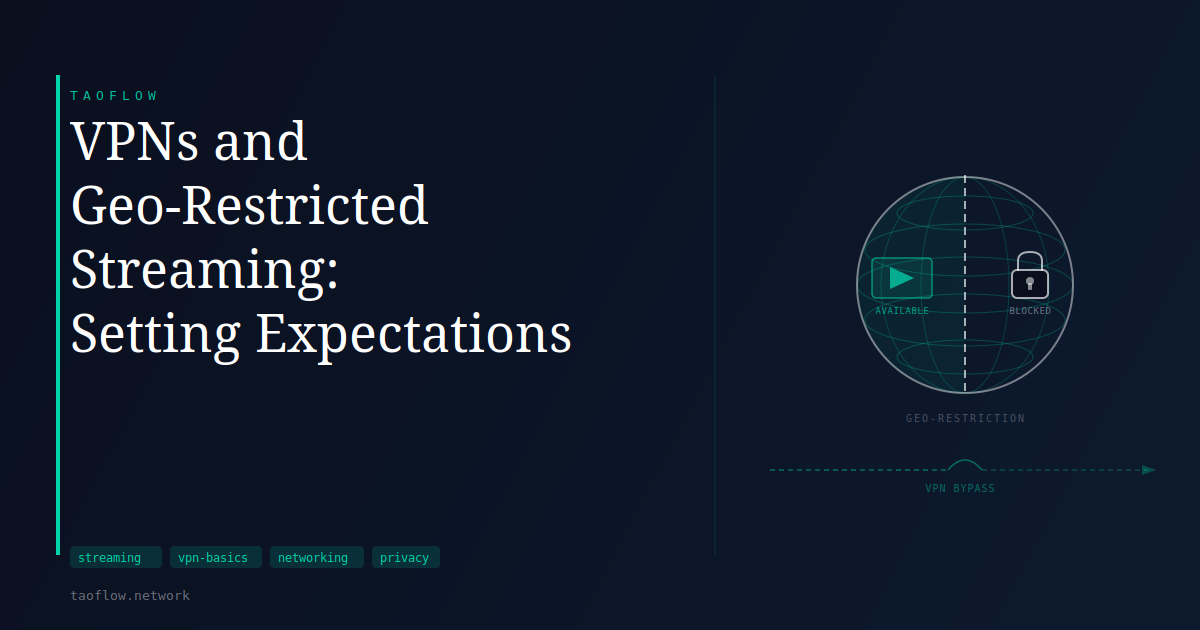
You open a streaming app while traveling abroad, and a show you were watching at home is missing from the catalog. Or you find a documentary available on a foreign version of a service that is not listed in your country. This is geo-restriction in practice — streaming platforms license content territory by territory, and they use your IP address to decide which library to show you.
A VPN can sometimes help. But "sometimes" is doing a lot of work in that sentence.
How Geo-Blocking Works
Streaming platforms license content region by region. A studio may sell streaming rights to one service in the US, a different service in Germany, and no service at all in a third country. The platform's job is to enforce those territorial agreements, and it does so primarily by checking your IP address against a geographic database.
When you connect from an IP address registered in France, the service shows you the French catalog. Connect from a US address, and you see the US catalog. The check happens in milliseconds every time you load a title.
This is a business and legal constraint, not a security measure. The platforms are not trying to protect you — they are honoring licensing agreements they have signed with content owners.
What a VPN Does to That Check
When you connect through a VPN, your traffic arrives at the streaming service from the VPN server's IP address, not yours. If that server is in the US, the service sees a US IP address and — in theory — shows you the US catalog.
In practice, streaming platforms have invested years in countermeasures. They maintain lists of IP ranges associated with commercial data centers and VPN providers. When a request arrives from one of those ranges, the service either blocks access or displays a message like "proxy or unblocker detected." That message is the filter at work.
The result is an ongoing technical cycle: VPN providers rotate IP addresses, streaming services update blocklists, and the situation shifts without notice. Whether it works on a given day depends on the VPN, the specific server, and the platform — all factors that change unpredictably.
What Actually Works and What Does Not
Residential IP addresses — addresses that belong to regular ISP customers rather than data centers — are much harder for streaming services to flag. Some VPN providers use residential IP pools specifically to handle streaming use cases, though how they source those addresses varies and is worth researching before committing to a provider.
Smaller or less-watched streaming platforms tend to run lighter detection. A regional broadcaster or niche subscription service may not invest heavily in VPN blocking. The major international platforms invest heavily, and access through a VPN is inconsistent at best.
Mobile apps and smart TV apps sometimes behave differently than a browser. A streaming app may check GPS or device location settings alongside the IP address. Using a VPN on a desktop browser generally gives you more control than using it inside an app on a device that has other location signals enabled.
The Performance Side
Streaming video is bandwidth-intensive. Routing traffic through a VPN server adds overhead that can affect speed and introduce latency. The impact depends on the distance to the VPN server, how loaded that server is, and the underlying protocol.
Modern protocols like WireGuard tend to have lower overhead than older options, which matters when moving large volumes of data continuously. WireGuard has been part of the Linux kernel since version 5.6 and is designed to be efficient enough that its overhead is rarely the bottleneck in normal use. Routing through a geographically distant server will increase latency compared to a direct connection, and a congested server can reduce throughput visibly.
If buffering or quality drops occur while using a VPN, switching to a server closer to the streaming platform's infrastructure — rather than the closest server to you — sometimes helps. Some VPN applications include server selection guidance for streaming use cases.
The Terms of Service Question
Using a VPN to access content in a different region than your account's registered location may violate a streaming platform's terms of service. The specific language varies by service. Most platforms have not aggressively enforced these provisions against individual subscribers, but the policy is worth knowing.
This is a separate question from legality. Using a VPN is legal in most countries. Whether a particular use violates a contract you have signed with a specific service is a different matter, and nothing here should be read as legal advice.
What This Means for You
If you are traveling and want to maintain access to a streaming service you already pay for at home, a VPN gives you a reasonable chance of success with the right provider and server selection. It is not guaranteed, and some trial and error is likely.
If you are trying to access a library that is not available in your country at all, the success rate is lower and less predictable. The major global platforms are the hardest to work around; smaller or regional services are generally more accessible.
Check your device's location settings if streaming apps do not respond to the VPN. GPS and device location services can override IP-based checks. Disabling location access for the app, or using the service through a browser with location permissions denied, removes that variable.
Keep performance expectations realistic. A well-configured VPN with a nearby server should be largely transparent to your streaming experience. Adding distance or server load will have a measurable effect on quality.
A VPN is a practical tool for this use case, but it requires some experimentation and comes with no guarantees.