You're in a ranked match. Your ping doubles without warning, your movement stutters, and you lose the round. Later you find out someone captured your IP from a voice chat session and sent traffic at your home router. This is a real scenario, and it's one of the reasons gamers look at VPNs.
But a VPN is not a gaming performance tool. It can solve specific problems and create others, depending on how you use it. Understanding the three areas where a VPN intersects with online gaming — latency, DDoS attacks, and geo-restricted servers — helps you decide whether one is actually useful for your situation.
How VPNs Affect Latency
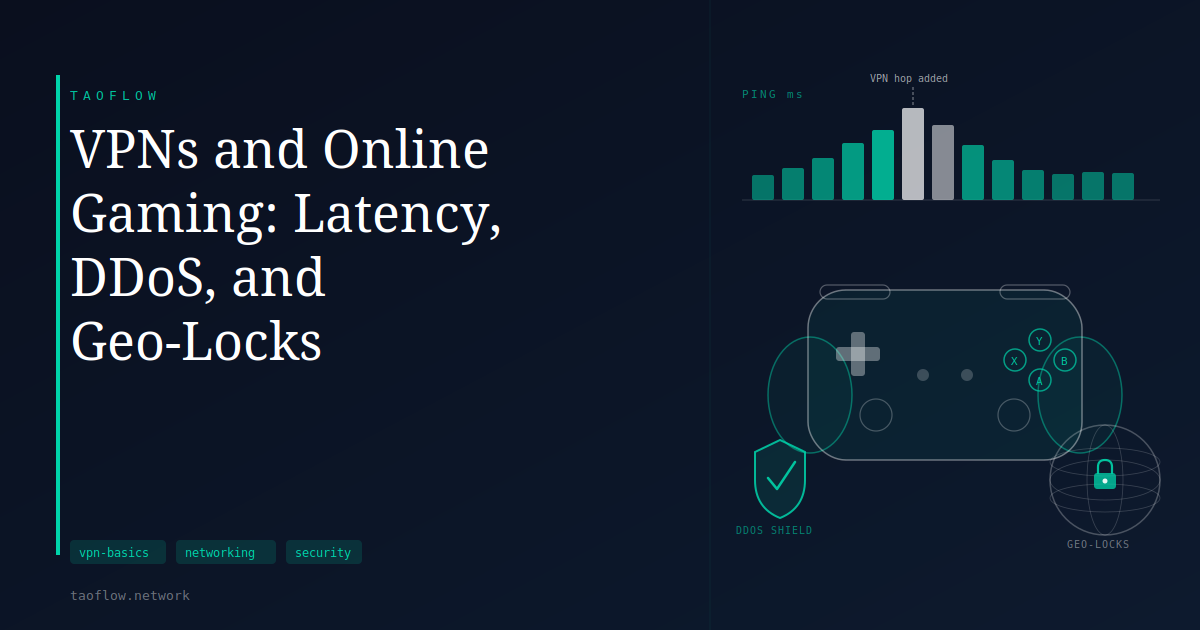
Every VPN adds at least one extra hop to your traffic. Your device encrypts each packet, sends it to the VPN server, the server decrypts it and forwards it to the game server, and the process runs in reverse for incoming data. That round-trip takes time.
The size of the latency penalty depends on two things: how far the VPN server is from you physically, and how efficiently the protocol processes encryption. A server across the country adds tens of milliseconds to every exchange. One in the same city may add only a few. WireGuard, which runs in the Linux kernel since version 5.6 and uses ChaCha20-Poly1305 for encryption, has lower per-packet overhead than older protocols — but it cannot shrink the physical distance between machines.
There is one situation where a VPN can actually reduce your latency: when your ISP routes traffic to a particular game server inefficiently. Some residential connections take a longer network path to reach a given destination than a VPN server in a better-peered data center would. This is uncommon, but it does happen, and it is testable — compare your ping with and without the VPN using a server that is geographically close to you.
In most cases, a VPN adds latency. How much varies, but it is rarely zero.
Targeted DDoS Attacks and IP Exposure
Competitive online gaming has a documented problem with targeted denial-of-service attacks. A player who wants to knock an opponent offline during a match can, with their target's real IP address, flood that connection with junk traffic. The game servers are unaffected; only the target's home router suffers.
Real IP addresses leak in a few ways: peer-to-peer game connections, voice chat applications, and third-party stat-tracking tools can all expose them. Once visible, an IP can be directed at a denial-of-service service that, while illegal in most jurisdictions, is not hard to find.
A VPN replaces your visible IP with the VPN server's IP. Someone who captures an IP from a voice session or packet inspection gets the VPN provider's address, not yours. VPN servers are also better equipped to absorb or reroute high-volume traffic than a consumer router on a residential connection.
This is the use case where a VPN provides the clearest, most direct benefit to a gamer. If your real IP has been exposed and you are dealing with targeted disruption, a VPN is a straightforward way to rotate what is visible.
Geo-Locks and Regional Server Access
Some games launch in different regions on different schedules. Others have regional content — specific servers, events, or pricing — that is restricted by the connecting user's IP address. Routing through a VPN server in a different country causes the game's infrastructure to treat you as a local user there.
The trade-off is immediate: routing through a VPN server in another region adds the distance to that server on top of the distance to the game server. A 20 ms connection to a local server can become 120 ms or more once both hops are counted. For competitive play where reaction time matters, that difference is measurable and significant.
For single-player content, early access to a regional launch, or testing regional availability, the latency penalty may be acceptable. That is a judgment call based on what you are trying to do.
Some publishers actively detect and block VPN traffic. If a game's terms of service prohibit using a VPN to circumvent regional restrictions, that is worth reading before you rely on the approach.
When a VPN Makes Things Worse
A VPN will not fix lag caused by a distant game server, resolve packet loss on a congested ISP backbone, or improve your upload speed. These are physical routing problems. A VPN adds overhead on top of them rather than removing it.
Using a VPN server that is farther from the game server than your home connection is will increase your latency — sometimes significantly. For competitive play where every millisecond matters, this kind of misconfiguration can turn a playable connection into an unusable one.
If your goal is lower ping, start by testing without a VPN. Only add one if the evidence shows your ISP's routing is the bottleneck, and only then with a server located between you and the game server in network terms.
What This Means for You
Three situations where a VPN can help with gaming:
- Your real IP has been exposed and you are experiencing targeted attacks against your connection
- You need access to a region-locked server or early launch and accept the latency cost
- Testing confirms your ISP routes poorly to a specific server, and a nearby VPN server does better
Three situations where a VPN will make things worse:
- You are trying to reduce ping in a competitive game without evidence that ISP routing is the issue
- The VPN server you pick is farther from the game server than your home connection
- The game service actively blocks VPN connections
The decision is the same as most privacy and networking tools: understand what the tool changes, verify that the change works in your favor, and do not apply it to problems it was not built to solve.