VPN connections are not permanent. They drop — briefly, and often without obvious warning. A client might reconnect in a matter of seconds, but in that gap your device falls back to its regular internet connection. For those few seconds, your real IP address is visible to whatever you were doing online.
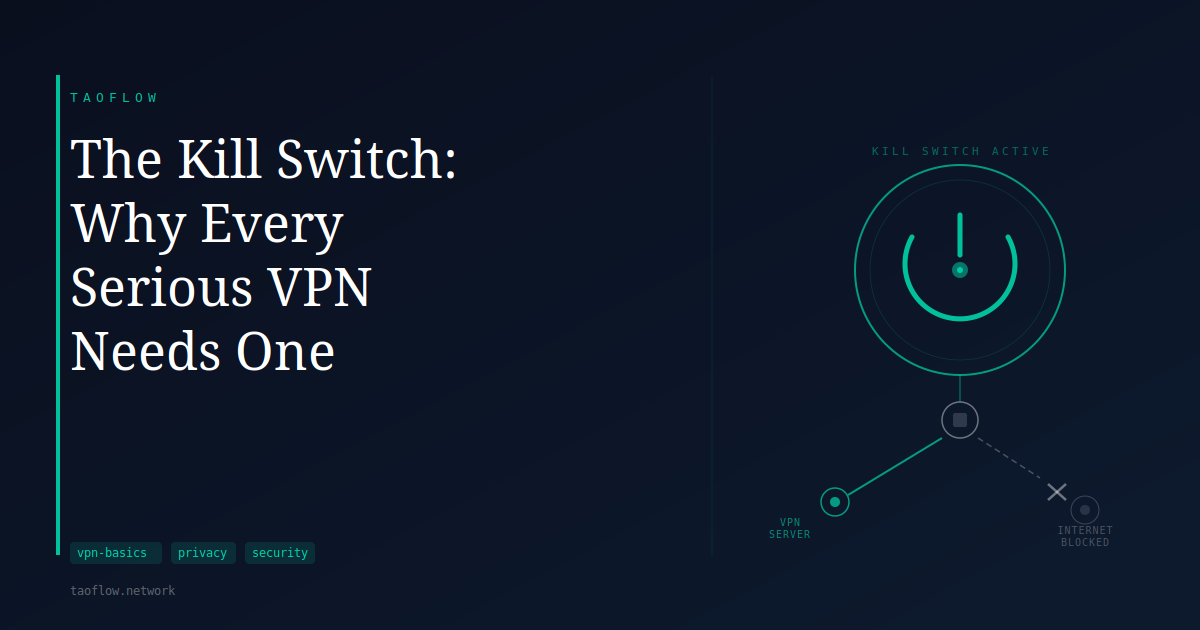
A kill switch is designed to close that gap. When the VPN connection drops, the kill switch cuts all internet access until the VPN is back up. Nothing gets out in the meantime.
What a kill switch actually does
A kill switch is a network-level rule that blocks all internet traffic when the VPN tunnel is not active. It monitors the connection and, on detecting a drop, applies a firewall rule or routing change that prevents any traffic from leaving through the unprotected network interface.
When the VPN reconnects, the block lifts and traffic resumes through the tunnel. The user experiences a brief loss of connectivity instead of a brief exposure.
The term is used loosely across different products. Some implementations block all traffic during a VPN drop. Others block only traffic that would route outside the tunnel while allowing local network access — useful for accessing printers or local devices. The stronger version that blocks everything is sometimes called a "full" or "hard" kill switch.
Why VPN connections drop
VPN connections break for ordinary reasons that have nothing to do with security problems:
- Your device wakes from sleep or switches between Wi-Fi networks
- A router reboots or loses its upstream connection for a few seconds
- The VPN server you are connected to becomes temporarily unreachable
- Your ISP connection blinks out briefly
- The VPN client software encounters an error or is updated
These are normal events in any networked environment. They happen more often on mobile devices that move between networks or wake from sleep frequently. Without a kill switch, each one is a moment when your real IP is exposed.
What gets exposed without a kill switch
The exposure depends on what you are doing when the drop happens.
If you are browsing, the next HTTP request your browser makes after the drop goes out over your real IP address. The site you are visiting sees your actual location. If you were relying on the VPN to mask that, it no longer is.
If you are running any application that maintains a persistent connection — a messaging client, a streaming session, a file-transfer tool — that application will briefly reconnect over your real IP before the VPN comes back up.
The exposure window is often short. But without a kill switch, every VPN drop will produce one, and its duration is exactly as long as the reconnection takes. On a slow server or after a longer disconnection, that can be more than a few seconds.
How kill switches work in practice
Firewall-based kill switches add rules to the operating system's firewall that block all outbound traffic except through the VPN interface. These are effective but depend on the firewall rules being applied fast enough to catch the first packet after a drop.
Routing-based kill switches modify the system's routing table so that the default route only points through the VPN. Without the VPN, there is no route to the internet and traffic cannot leave. This is generally more robust because routing changes take effect at the kernel level.
Application-level kill switches watch for the VPN to disconnect and then terminate specific applications or block traffic from them. These tend to be less reliable because there is a window between detection and action during which a packet can escape.
For WireGuard specifically: a config that sets AllowedIPs = 0.0.0.0/0, ::/0 routes all IPv4 and IPv6 traffic through the tunnel by default. Whether this behaves as a kill switch during a drop depends on how the client handles the interface going down — well-written clients apply firewall rules that prevent leaks during reconnection.
What this means for you
If you use a VPN specifically to keep your real IP address away from the sites and services you visit, a kill switch is a meaningful part of that setup. Enabling it costs nothing in normal use — you only notice it when the VPN drops, and in those moments it replaces an exposure with a brief connection pause.
Check whether your VPN client has a kill switch setting and whether it is enabled by default. Look for labels like "block traffic when not connected," "lockdown mode," or "network lock." On desktop operating systems the implementation is typically more reliable than on mobile, where the OS may manage app connectivity in ways that interfere with routing-level rules.
If your VPN delivers a WireGuard config file you load into the official WireGuard client, the kill switch behavior depends on how the client handles interface state changes on your platform — check your client's documentation for platform-specific details.
A kill switch does not make a VPN more private during normal operation. It closes the gap that appears when the VPN fails, which is a different problem. For users who rely on VPN for consistent privacy rather than occasional protection, it is the difference between a setup that works reliably and one that has unpredictable exceptions.